
CREATE YOUR 20 DAY BINDER
During the challenge I will provide you with lots of printables:
- Daily task sheet
- To-do list
- Checklists
- Routine charts
SUPPLIES NEEDED FOR THIS TASK:
- A4 Ring binder folder (I purchase mine from Kmart or Officeworks)
- A printer
- Pack of 4 dividers or place the page dividers into plastic sleeves and use tabs to label the sleeves (I purcahsed my tabs from Kmart for $2).
- Have on hand at least 40 pieces of A4 paper to print the printables
Steps for this task:
[wlchecklist name=’PreTask1′]
Trim the spine page just shy of the text (2mm) so its easier to place into the binder. I find it easier to place the spine into the binder when the binder is completely open.
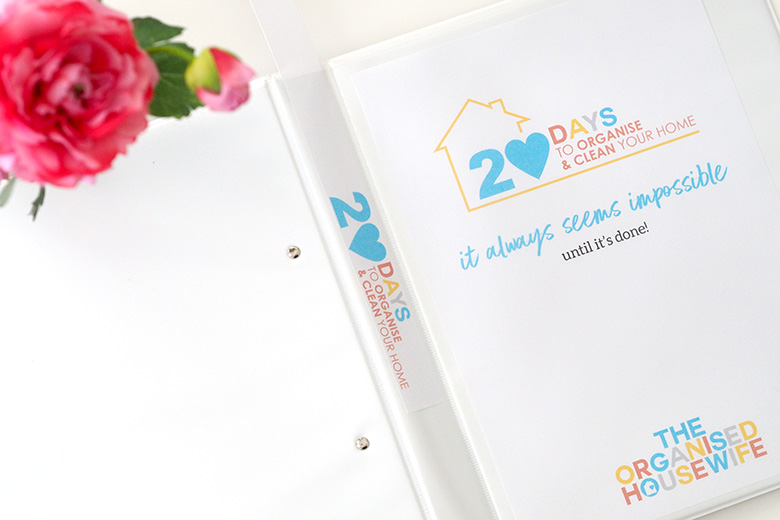
Keep your folder on hand so you can add your daily sheets to it each week.
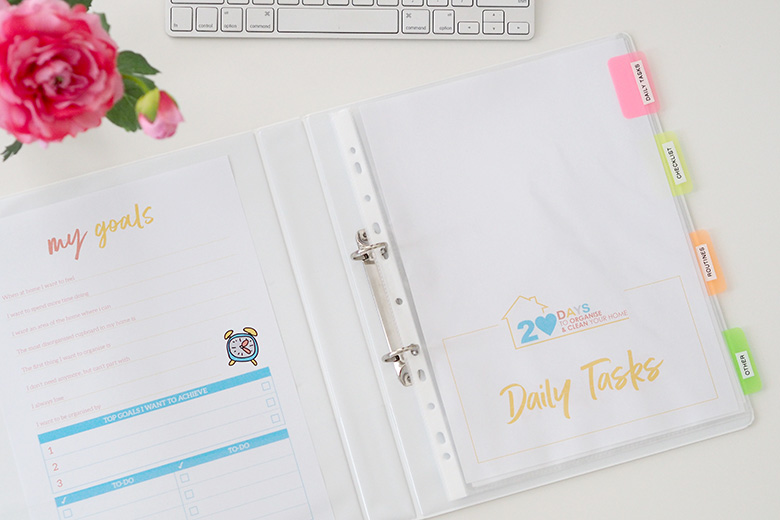
Daily Tasks
You will find on each page a daily task sheet to correspond with the tasks within the challenge. You can print these from each page individually, or at the beginning of each week you will find all 5 daily sheets for that week on the weekly pages.
DOWNLOAD
Find printables below for your 20 Day’s to Organise and Clean your home binder:
- COVER, SPINE AND DIVIDER PAGES – print and place into binder. Download here.
817 comments
I’m hoping to get myBinder ready this weekend!
Let me know how you go Kristine 🙂
Hi Kat … just printing my dividers for the binder and I only have 4 divider names not 5. Also, can I change my User Name. I’d now rather have my given name there.
Hi Cecelia, unfortunately I can’t even change the usernames, however you are the only one that see’s your username I can only see your surname and usually if I have to search each person I search by email address 🙂
Thanks Kat … I realised that after posting my comment. I thought the User Name would appear with my comments and mine would be a bit obscure! I also answered my own question about the divider names after seeing the picture of your binder with the divider pages in place. I thought there was to be one named To Do List as mentioned at the beginning of the Pre Challenge Task 1. Everything done and ready to start!
Binder done ✔
All done! lets hope i can do this with a 3 month old and 2 year old in toe…..
Rhianna, remember if you can’t that’s ok, stretch it out for a few extra days, I’m always at the other end of the computer even after the 20 days is over 🙂
Task 1 complete 🙂
Love it!! great start Raylene, how have you gone with the other tasks 🙂
Binder done ✅
Great job Helen 🙂
Thanks so much for the chance to do this again. I’m looking forward to it.
Task.1 completed.
I just saw you completed all the tasks! Awesome job Elizabeth 🙂
Done! Can’t wait! Where did you purchase your label maker from or what brand is it?
I use a Brother label maker 🙂
Task 1 ✔
With a 6 week old as new addition to the family,I’m hoping this is a good time to sign up to this
I’ll try my best and we’ll see
I’m feeling positive…
Keep up the good work 🙂
folder set to go