
CREATE YOUR 20 DAY BINDER
During the challenge I will provide you with lots of printables:
- Daily task sheet
- To-do list
- Checklists
- Routine charts
SUPPLIES NEEDED FOR THIS TASK:
- A4 Ring binder folder (I purchase mine from Kmart or Officeworks)
- A printer
- Pack of 4 dividers or place the page dividers into plastic sleeves and use tabs to label the sleeves (I purcahsed my tabs from Kmart for $2).
- Have on hand at least 40 pieces of A4 paper to print the printables
Steps for this task:
[wlchecklist name=’PreTask1′]
Trim the spine page just shy of the text (2mm) so its easier to place into the binder. I find it easier to place the spine into the binder when the binder is completely open.
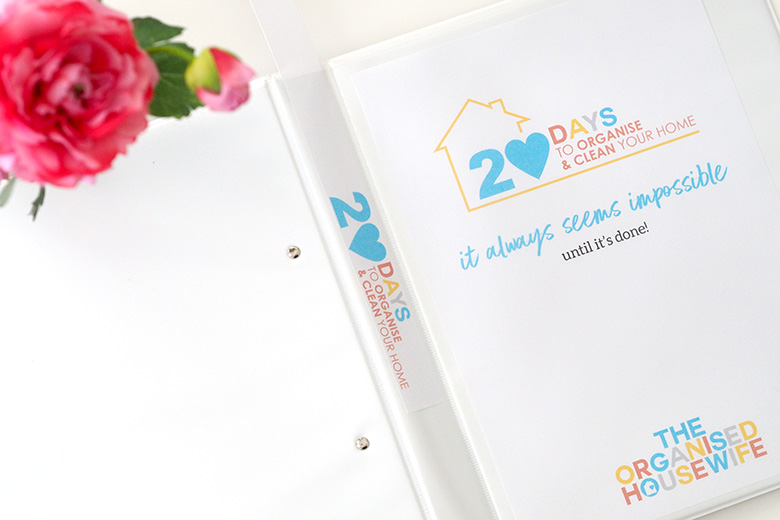
Keep your folder on hand so you can add your daily sheets to it each week.
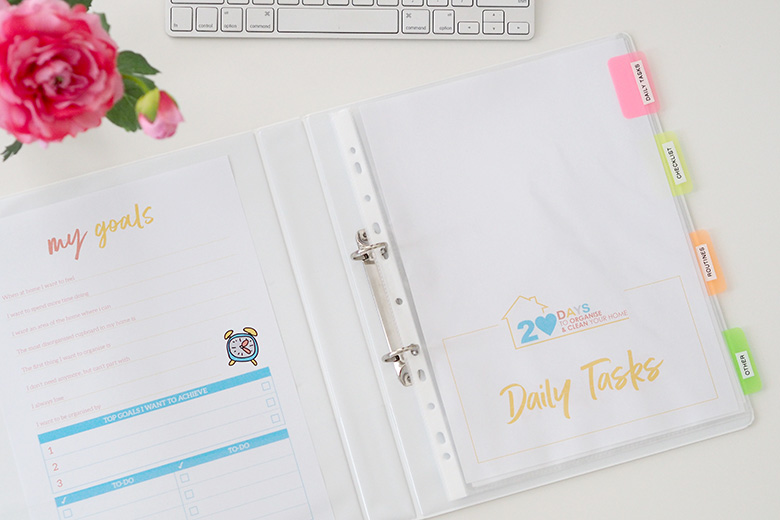
Daily Tasks
You will find on each page a daily task sheet to correspond with the tasks within the challenge. You can print these from each page individually, or at the beginning of each week you will find all 5 daily sheets for that week on the weekly pages.
DOWNLOAD
Find printables below for your 20 Day’s to Organise and Clean your home binder:
- COVER, SPINE AND DIVIDER PAGES – print and place into binder. Download here.

817 comments
Pre-Challenge Task 1: COMPLETE! & I have printed the checklists/routines/notes for all the other pre-challenge tasks!! I am very excited to be apart of this challenge!
Wow Charlene you are onto it, love your enthusiasm. I feel I need to give you all more tasks just to fill time in between now and the 6th October!!
Task 1 done!
High fives all round today, so impressive, great work Nicole!
Task 1 – tick. Only have B&W printer though, hope to print it off in colour later (if I get a chance)
Also, FYI, found using an emery board made it much easier to push the paper down into the spine of the folder.
Love that tip Audrey, sometimes they can be a pain to get in there, and to get out!
waiting for my online folder / divider order to arrive …
Seriously impressed, you got onto it straight away, hope it arrives soon!
Task 1 complete, my folder is ready to go 🙂
Super fast work Susanne, would love to see a pic if you have time to share in the facebook group.
I have a BulletJournal – is it ok if I just add these pages in there instead of creating a whole new folder?
Absolutely Nicky. I will be giving you checklists and daily pages as we go through so you can add them as well.
Nicky, I have a bullet journal too. Would love to see how you integrate this.
Hope she doesn’t mind sharing too!
One down, looking forward to it
Wow I am so impressed how fast you are all getting through it!
Folder all ready!
Great work Chris!!
Task 1 complete!
Fantastic work Judi, that is a remarkable effort considering the challenge only opened yesterday!
First task completed !! 😉
Wow, fantastic work Louise, you are onto it!!
I want to print it out not download how do I go about it please
Hi Charyn, press on the grey box of which you want to print. You will need Adobe Reader, it’s a free program so you can view and print pdf documents. You may have it on your computer already, but if email me and I can send you the link.
First task finished here too.
you are all doing so well.
Task 1 done! 🙂
🙂